
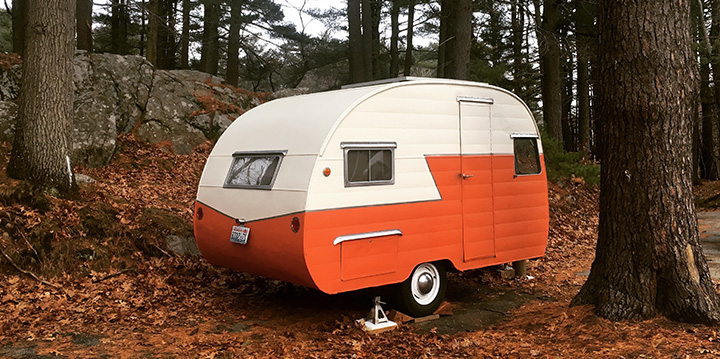
We often get asked if we have a mobile app—and while we don’t (yet), our website is fully optimized for mobile and designed to work beautifully on your phone or tablet. With just a few quick taps, you can save a shortcut to your home screen that works just like an app, giving you fast, easy access to everything in one place. From upcoming vintage trailer rallies and classified listings to hobby news and resources, our site is updated daily, so you’re always seeing the latest information without needing to download anything. You can also get daily, weekly, or monthly updates about new posts on our website.
📱 iPhone (Safari – best option)
Apple only allows this through Safari, not Chrome.
- Open Safari
- Go to the website you want to save
- Tap the Share icon (square with the arrow ↑ at the bottom)
- Scroll down and tap Add to Home Screen
- Edit the name if you want
- Tap Add
✅ The site will now appear on your home screen
✅ It opens full-screen like an app
🤖 Android (Chrome – easiest)
Android is more flexible and works with Chrome and some other browsers.
Option 1: Chrome (most common)
- Open Chrome
- Go to the website
- Tap the three-dot menu (top right)
- Tap Add to Home screen
- Confirm or rename
- Tap Add
Option 2: Samsung Internet (if you use it)
- Open Samsung Internet
- Visit the website
- Tap the menu (≡)
- Tap Add page to
- Choose Home screen